Buying a used electric scooter: what to check before you buy
Battery, charging port, folding mechanism, steering, brakes, tyres, bearings and deck: the workshop checklist for inspecting a second-hand electric scooter without tools, with the part involved and how serious each fault is.

Benjamin Gayaud
11 min read
Buying guide
Buying a used scooter? Check the battery and folding first.
The essentials
A second-hand scooter can be checked without tools, as long as you follow an order: the battery, the folding mechanism and steering, the brakes, the wheels, then the test ride. Some faults are normal wear and can be negotiated on. Others should make you walk away. For each check, this guide tells you what is normal, which part is involved and what the fault means.
500 charges
or 10,000 km, and Minimotors has the battery replaced
4 icons
for faults on the EY4 display: throttle, motor, controller, overheating
6 months
or 500 km between two inspections of the brakes, folding mechanism and wheels
- Deal-breaker: a crack in the frame, the column or a weld, a battery that is swollen or smells, a folding lock that does not engage, a scratched-off serial number.
- Get a quote: a battery that drains quickly, a motor that grinds, a fault icon, a blackened charging port, a leaking brake, play in the steering.
- Normal wear, to negotiate on: brake pads, discs, tyres, inner tubes, suspension cartridges.
- Ask for a fully charged battery for the viewing. Without it, there is no proper test ride and no voltage reading.
What should you ask the seller before you travel?
The answers, and the way they come back, already sort things out. Ask these questions in writing and keep the messages.
- The exact model and its battery, in volts and amp-hours. Two versions of the same model can have very different batteries.
- The total mileage. On an EY4 display, the total odometer is shown by pressing the MODE button[1]. Ask for a photo of the display switched on.
- The servicing done: when the brake pads and tyres were changed, whether the hydraulic brakes have been bled and with which fluid. On a Dualtron, it is mineral oil, BK407 at Minimotors[1].
- The parts replaced, and by whom. Minimotors requires genuine Dualtron parts for any repair[1]. A non-genuine part is not necessarily bad, but you need to know.
- Falls and knocks, even small ones. A ‘never’ on a scooter scratched all over deserves one more question.
- Modified settings. Has it been derestricted, have its parameters been changed? In our experience, a scooter pushed beyond its original settings wears out its brakes, tyres and battery faster. And on the road, it is the regulations in your country that set the permitted speed.
- Storage. Where did it spend the winter, and at what charge? For long-term storage, Minimotors recommends a charge every 60 days[1].
How do you check the battery and the charging port?
In our experience, the battery is the most expensive part to replace. Start with it. A lithium battery is considered damaged when it is deformed, swollen or punctured, but also when it discharges too quickly, gets too hot or gives off a suspicious smell[2].
- Look at the underside of the deck, where the battery sits on most scooters. A dented deck, a bulging casing or stripped screws point to an impact or swelling.
- Smell near the deck and the charging port. An unusual smell is enough reason to walk away[2].
- Read the voltage. On an EY4 display, the SET button switches the gauge from percentage to voltage[1]. Just after charging, it should be close to the charger's output voltage: 66.4 V for a 60 V Dualtron, 83 V for a 72 V model, 95.4 V for an 84 V model[3][4][5]. Write it down, then read it again after the test ride.
- Plug in the charger. On a Dualtron, its light is red while charging and green when the battery is full[1]. A charger that turns green straight away on a battery that has just been ridden needs an explanation.
- During the test ride, watch the gauge. It should drop steadily. A gauge that melts away in a few minutes, or a cut-out under hard acceleration while there is still charge left, points to a tired battery.
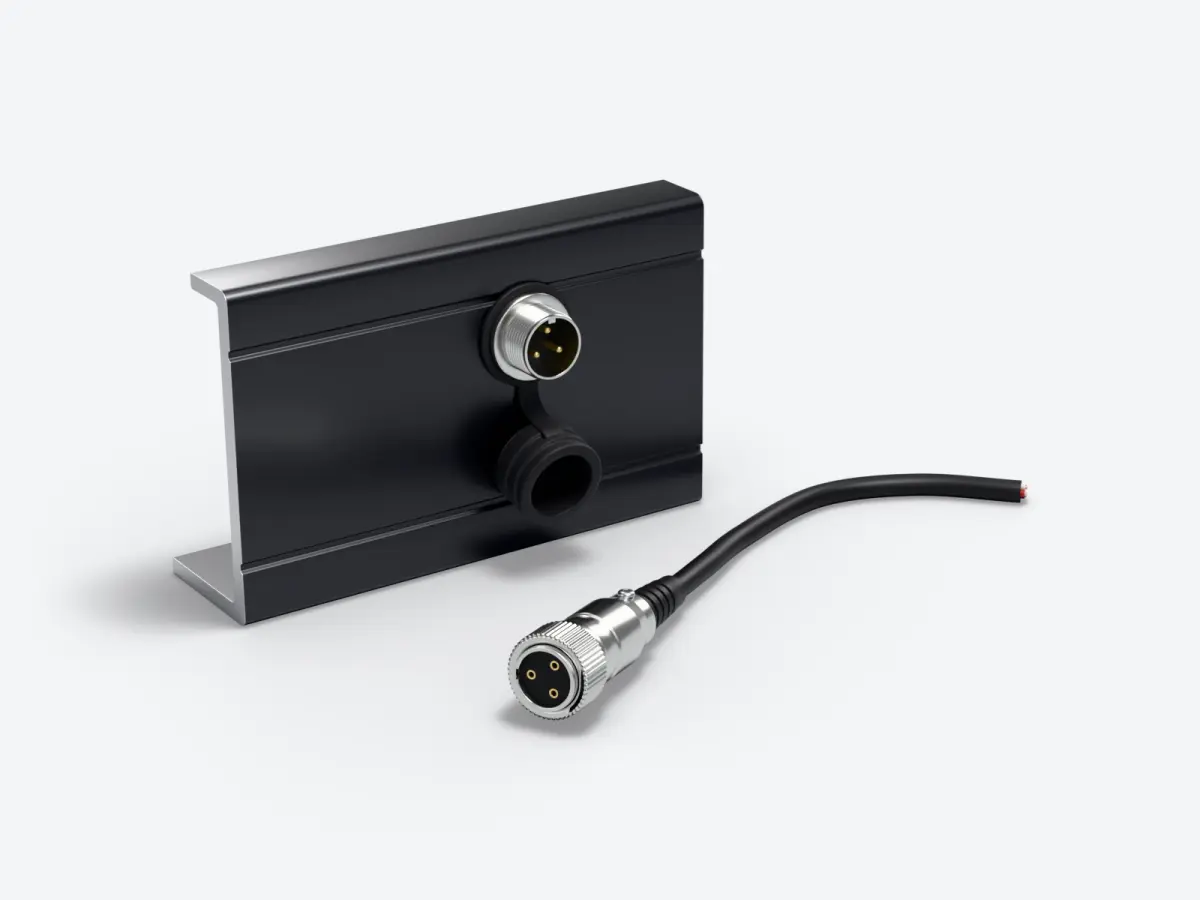
The charging port is checked by eye. The pins should be clean and straight, the plastic around them free of black or melted marks, and the cap in place. That leaves the age of the battery. Minimotors has the battery of a Dualtron replaced after 500 full charges or 10,000 km[1]. Compare that with the mileage shown. What wears a battery out, and how to make it last, is covered in detail in our article on the battery.
Is there play in the folding mechanism or the steering?
The column carries all your weight under braking. Official scooter recalls have involved these areas. In France, for example, a crack where the frame meets the stem[7], a locking mechanism that can come undone and fold the scooter while riding[8], a frame breaking at the rear shock absorber[9].
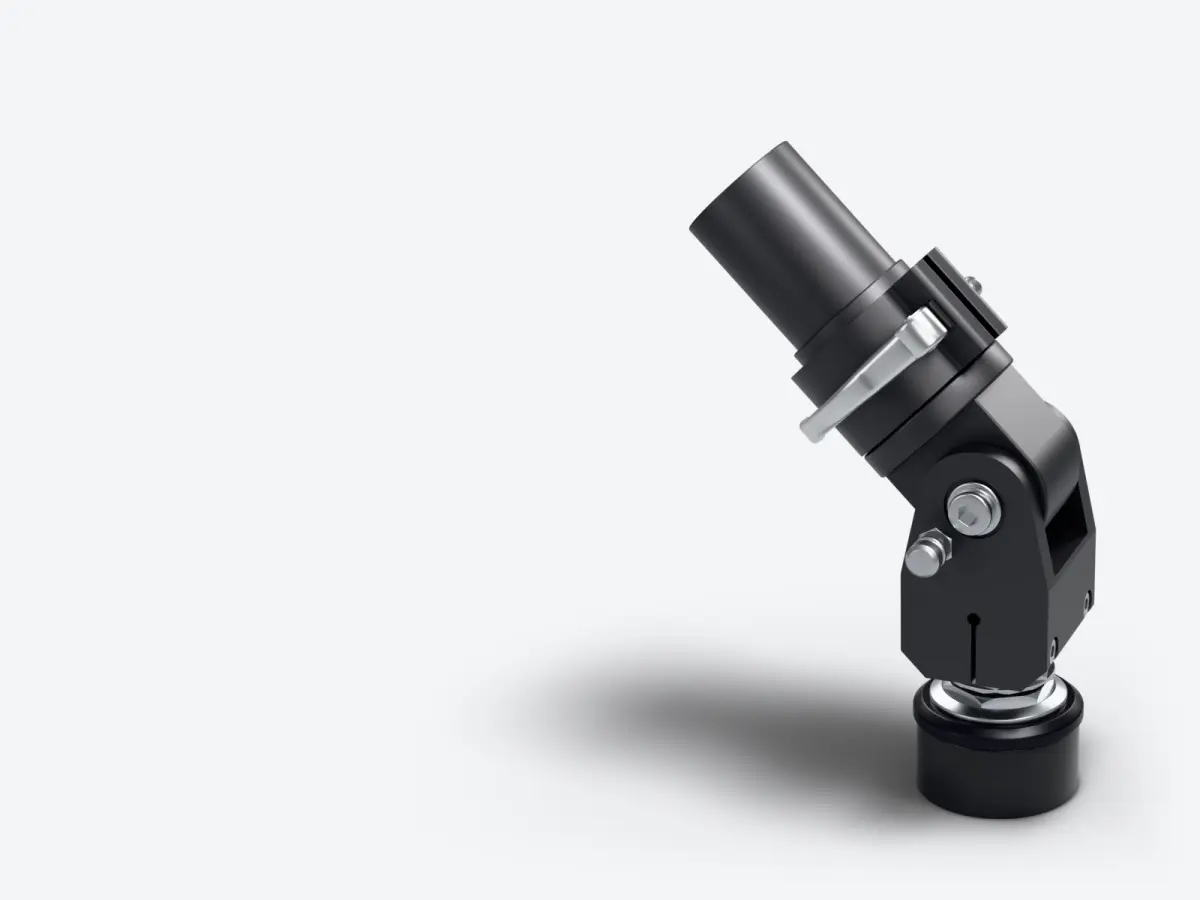
- The lock. Fold and unfold it twice. The latch should go firmly into its housing, and the safety button should spring back into place. Minimotors warns that a latch that is not properly engaged lets the column drop, which damages it[6].
- Play in the folding mechanism. With the scooter unfolded and the front brake on, push and pull the handlebars backwards and forwards. Normal: nothing moves, nothing clunks. A knock in the hinge often comes from the folding screws. Minimotors has them tightened, with the scooter folded, when the column shakes while riding[1]. It is a quick workshop adjustment, provided there is no crack.
- Cracks. Using your phone torch, look at the hinge, the base of the column and the welds under the deck. Paint that crazes in a fine line around a weld can hide a crack in the metal. In that case, walk away.
- The steering. Lift the front wheel and turn the handlebars from one stop to the other. They should turn with no tight spot or catching[1]. Then, with the wheel on the ground and the front brake on, rock the scooter backwards and forwards with one hand at the bottom of the column. A knock at that point means play in the headset bearings.
Play in the stem and steering, its causes and how to adjust it are covered in detail in our article on steering play.
Brakes: what to look at and what to feel at the lever?
Brakes are judged standing still, then on the test ride. These checks apply to disc brakes, both cable-operated and hydraulic.
- At the lever. Squeeze each lever all the way. It should go firm before it touches the handlebar. A spongy lever and a noisy disc: Minimotors says to stop riding and replace the brake pads[1]. If the lever stays soft with new pads, the brake needs bleeding.
- The brake pads. Look through the slot in the caliper, with a torch. There should be a clear thickness of friction material left on the metal backing plate. The replacement thresholds are in our article on brakes.
- The discs. With the wheel off the ground, spin it. The caliper should be aligned with the disc, with no rubbing against the pads[1]. Rubbing that comes back on every turn points to a warped disc.
- Leaks. The caliper, hose and lever should be dry. Oil on the disc also contaminates the pads, which then have to be replaced at the same time as the leak is fixed.
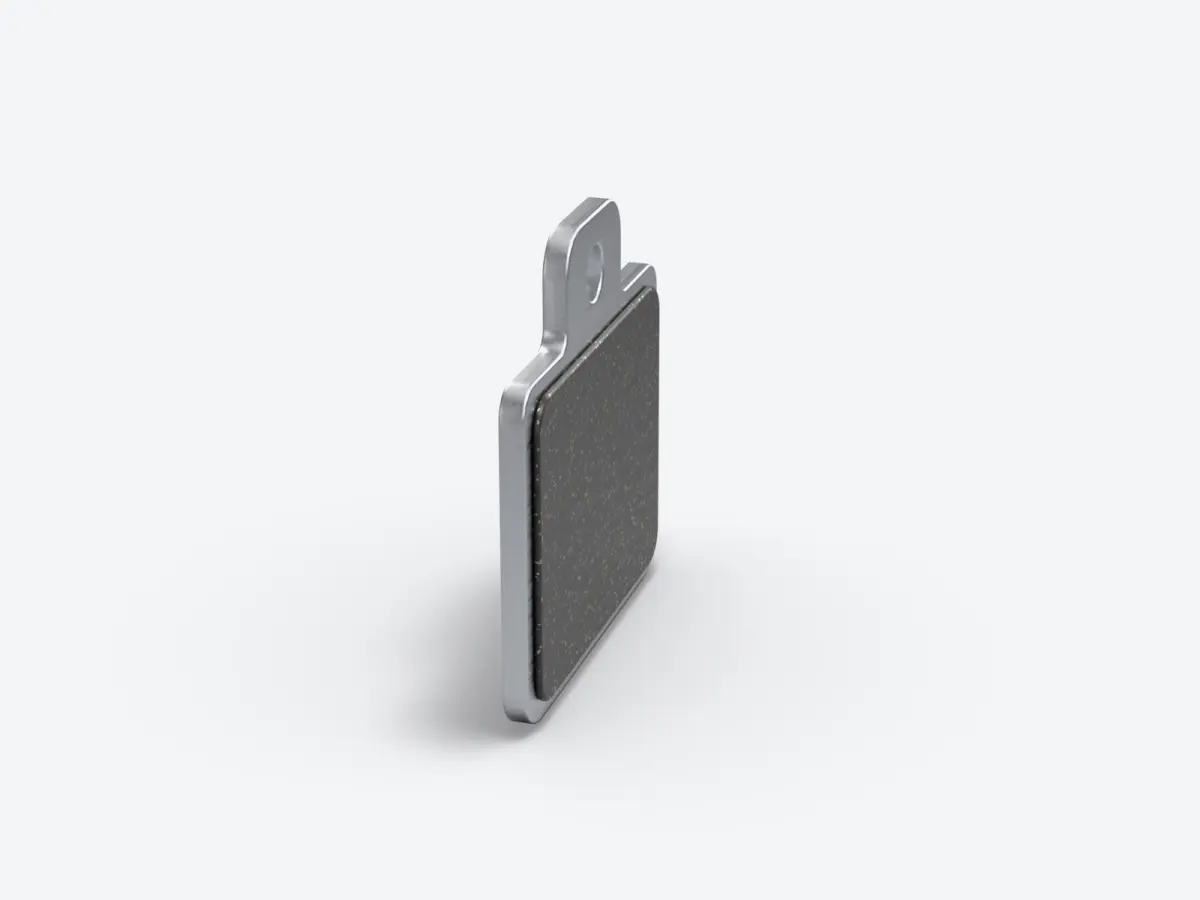
Brake pads and discs are normal wear: they get replaced and give you room to negotiate. A leak, or a lever that stays soft, needs a visit to the workshop before the scooter is ridden.
Tyres, wheels and motors: which noises should worry you?
- The tyres. Look for cracks in the sidewalls, deformation and a tread worn flat[1]. Ask whether they have inner tubes or are tubeless, and whether they contain an anti-puncture gel.
- The wheel bearings. With the wheel off the ground, spin each wheel by hand: it should turn freely and silently. Then hold it by the tyre, top and bottom, and rock it from side to side. You should feel no play.
- The motors. On the test ride, accelerate then slow down. The motor should neither stall nor make any abnormal noise. The rear wheel should neither lock nor judder, and its axle should not be out of balance[1].
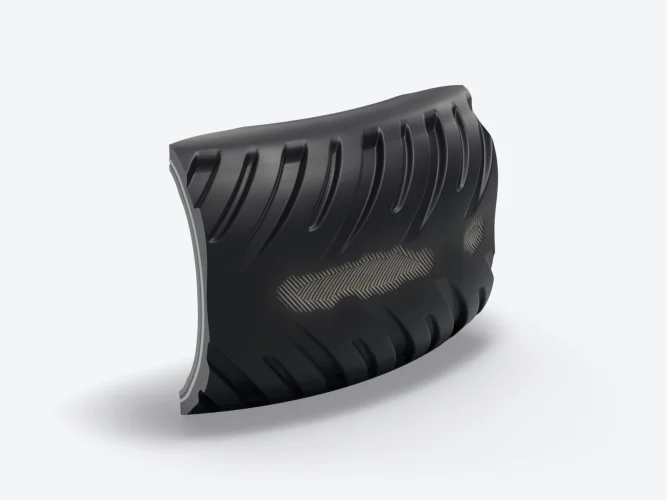
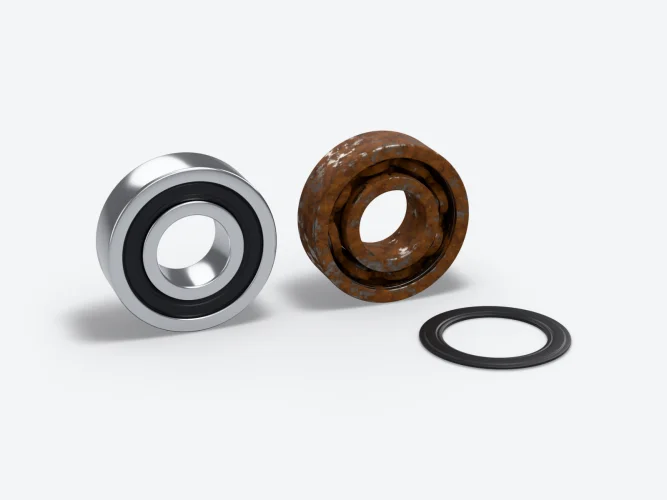
A tyre gets replaced, it is normal wear. A wheel bearing is a small part, but on a hub motor you have to open the motor to replace it: get a quote. A motor that grinds or knocks should be inspected by a professional before you buy. To read tyre wear and choose the right tyre, see our article on tyres.
Suspension, deck and signs of a fall
The suspension. Press down hard on the deck, then on the handlebars. It should compress and come back up without noise or jerks. When a suspension unit becomes dry or noticeably stiffer, Minimotors has its internal parts greased[1]. On Dualtron models, the rubber cartridges wear out and are replaced, in five hardnesses[3]. Settings and wear are covered in detail in our article on suspension.
The underside of the deck tells the story of the scooter's life. Deep scratches, a dent at the front or missing screws give away kerbs hit head-on or jumps. The Dualtron manuals do not allow for obstacles or holes of more than 5 cm[4].
- Handlebars that are crooked compared with the front wheel.
- Bar ends, levers or a display scratched on one side only.
- A column scratched on one side.
- A mudguard that is split or has been glued back together.
A sign of a fall is not serious in itself. It should make you look twice at cracks and the steering.
How do you do the test ride?
Do the test ride with a full battery, for at least ten minutes, including a hill if possible. Start with the controls while standing still.
- The display. Switch the scooter on: the display should work normally. On the EY4, four red icons indicate a fault: throttle, motor, controller and overheating protection[1]. The first three mean a trip to the workshop. If the scooter connects to an app, open it with the seller to read the error codes[1].
- The controls. Press each switch three times without a miss. The throttle should return to its position on its own when you let go[1].
- The lights and horn. The rear light comes on when you squeeze a brake lever, the headlight shines brightly, the horn can be heard clearly[1].
- On the move. Accelerate gently, then hard: the power should be smooth, with no cut-outs. Brake hard with each brake separately, then with both. Turn left and right: nothing should catch or drag[1].
- After the test ride. Shake the handlebars again with the brake on, read the voltage again and touch the motor: it may be warm. Do not touch the disc, Minimotors warns that it gets hot[1].
If anything worries you, suggest to the seller that the scooter is checked by an authorised repairer before you agree the sale.
Invoice, serial number, charger: which paperwork to ask for?
- The original invoice. It proves where the scooter came from, gives the purchase date, and so the age of the battery, and the exact version. Check that the model and the battery match.
- The serial number. Compare the one on the frame with the invoice and, if it appears there, with the app. A number that is scratched off, missing or different: walk away.
- The original charger. Its output voltage, written on the label, must match the battery, for example 66.4 V for a 60 V Dualtron[3]. A generic charger is one more part to buy.
- What came in the box. For a Dualtron: the manual, the multi-tool and the screw covers[3].
The printable checklist
Print this table and tick off each line during the viewing. The last column tells you what the fault means.
Deal-breaker
You walk away, whatever the price. The fault affects the structure, the battery or where the scooter came from.
Normal wear
These parts wear on any scooter. They are for negotiating, not for walking away.
Get a quote
The fault can be repaired in a workshop. Get a quote and deduct it from the price, or walk away.
| Check | What is normal | If not, the part involved | Severity |
|---|---|---|---|
| Underside of the deck, battery casing | No dent, no crack, no smell | Battery | Deal-breaker |
| Voltage with a full battery | Close to the charger's voltage, stable at rest | Tired battery | Get a quote |
| Charger plugged in | Red light while charging, green when full | Charger or battery | Get a quote |
| Charging port | Clean pins, intact plastic, cap in place | Charging port, sometimes the charger | Get a quote |
| Folding lock | The latch engages firmly, the safety button springs back | Folding mechanism | Deal-breaker if it does not lock |
| Handlebars shaken, brake on | Nothing moves, nothing clunks | Folding screws or parts | Get a quote |
| Hinge, column, welds | No cracks, paint intact | Frame or column | Deal-breaker |
| Steering, front wheel lifted | Turns with no tight spot or knocking | Headset bearings | Get a quote |
| Brake levers | Firm before they touch the handlebar | Brake pads, bleeding | Normal wear |
| Discs and calipers | No rubbing, no oil marks | Disc, caliper, hose | Normal wear, get a quote if it leaks |
| Tyres | Sidewalls free of cracks, tread present, no deformation | Tyre, inner tube | Normal wear |
| Wheels off the ground | Spin silently, no side-to-side play | Wheel bearings | Get a quote |
| Motors on the test ride | No stalling, no abnormal noise | Motor | Get a quote |
| Suspension | Comes back without noise or jerks | Cartridges, greasing | Normal wear |
| Display and controls | No red icons, throttle returns on its own | Throttle, motor, controller | Get a quote |
| Lights, brake light, horn | All working | Lighting, horn | Normal wear |
| Invoice, serial number | Present and matching | Where the scooter came from | Deal-breaker |
Wear parts, brake pads, tyres, inner tubes and cartridges, can be found in our spare parts.
Sources
- Minimotors, ‘Important information’ manual for the Dualtron EY4 display, published online on 1 April 2023, ‘Dashboard’, ‘Common Failures and Solutions’ and ‘Maintenance and Care’ pages, consulted on 17 November 2026, EY4, Important information (PDF, en anglais)
- INRS, Leaflet ED 6475, 1st edition, February 2022, consulted on 17 November 2026, Se protéger contre les batteries au lithium endommagées
- Minimotors, Dualtron City manual, published online on 31 May 2024, consulted on 17 November 2026, Dualtron City, notice d'utilisation (PDF, en anglais)
- Minimotors, Dualtron Thunder 3 manual, published online on 1 April 2023, consulted on 17 November 2026, Dualtron Thunder 3, notice d'utilisation (PDF, en anglais)
- Minimotors, Dualtron Storm Limited manual, published online on 18 July 2023, consulted on 17 November 2026, Dualtron Storm Limited, notice d'utilisation (PDF, en anglais)
- Minimotors, Dualtron Victor Limited manual, ‘Assembly’ page, published online on 23 October 2024, consulted on 17 November 2026, Dualtron Victor Limited, notice d'utilisation (PDF, en anglais)
- RappelConso, Official French product recall website, notice no. 22670, consulted on 17 November 2026, Trottinette électrique, fissure à la jonction du cadre et de la potence
- RappelConso, Official French product recall website, notice no. 8675, consulted on 17 November 2026, Trottinette, mécanisme de blocage qui peut se déverrouiller
- RappelConso, Official French product recall website, notice no. 16725, consulted on 17 November 2026, Trottinette électrique, rupture du châssis au niveau de l'amortisseur arrière
- Commission européenne, Public alerts database, consulted on 17 November 2026, Safety Gate: the EU rapid alert system for dangerous non-food products
About the author

Benjamin Gayaud
Managing director of FōhzShop
He runs FōhzShop and develops EyeX, the app for Dualtron and Rovoron scooters. He personally tests the electric scooters the shop sells.
Read next
Buying guide10 min read
Electric scooter range: how to calculate it and make it go further
The range on a spec sheet is measured with 75 kg on board, at 25 °C and at a steady speed. Here is how to calculate yours from the battery's watt-hours and your own consumption, and what really makes it go further.
Buying guide10 min read
Which Dualtron should you choose in 2026? The range explained by use
Forever Limited, Spider Max, City, Victor, Achilleus, Ultra One, Thunder 3, Sonic Alien, Storm Limited or X Limited: the Dualtron range sorted by use, with Minimotors' figures and a comparison table.
Buying guide9 min read
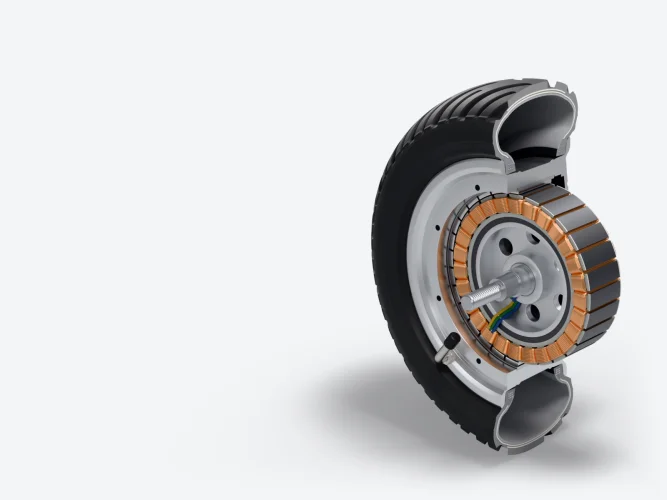
Electric scooter power: watts, volts, amps and motors explained
Rated or maximum watts, battery volts, controller amps, torque and hills, single or dual motor, brushless hub motor: the guide to reading a scooter's power figures without getting it wrong.